



After the «redesign for 600» updating Docturist has become much easier. Yesterday we shipped the integration with the Ferma fiscal data operator, which had been ready even before the redesign, but we did not get to switch it on. Now we have, and even the merge went almost without conflicts. Life is getting better :hat:
By the way, during integrations and deployments like these it has turned out to be very useful to involve neural networks in preparing the accompanying materials. I would never trust an AI to write my own articles: robot ears stick out of every sentence afterwards. But preparing an article like «How to use the feature from this commit» is a piece of cake. The text is technical, written precisely, and needs no literary flourishes. Here, for example, is a manual on issuing receipts: I hardly edited it by hand.
What is more, monsieur Claude can connect to Chrome and Playwright, so making screenshots can be handed over to the robots completely too.
As for the manual, Claude did not just make all the screenshots (although he did). When we finished and rolled out the new design, it suddenly™ turned out that screenshots of the service and even videos are elements of the design itself. Except the design is new now, while the screenshots and videos are old. Besides, the project blog already had several manuals from before the redesign. And of course they all became outdated overnight too.
I really did not want to reshoot all of that by hand, so I dumped it on Claude right away. And here is what he did:
- Wrote a manifest listing the screenshots from different sections of the site: which pages to take them from and under which accounts.
- Wrote a script that takes all or some of the screenshots from the manifest, logging in with the right account and opening the right pages.
- He even wrote a script for the video, which records several pieces from different sections separately and then glues them into a complete intro.
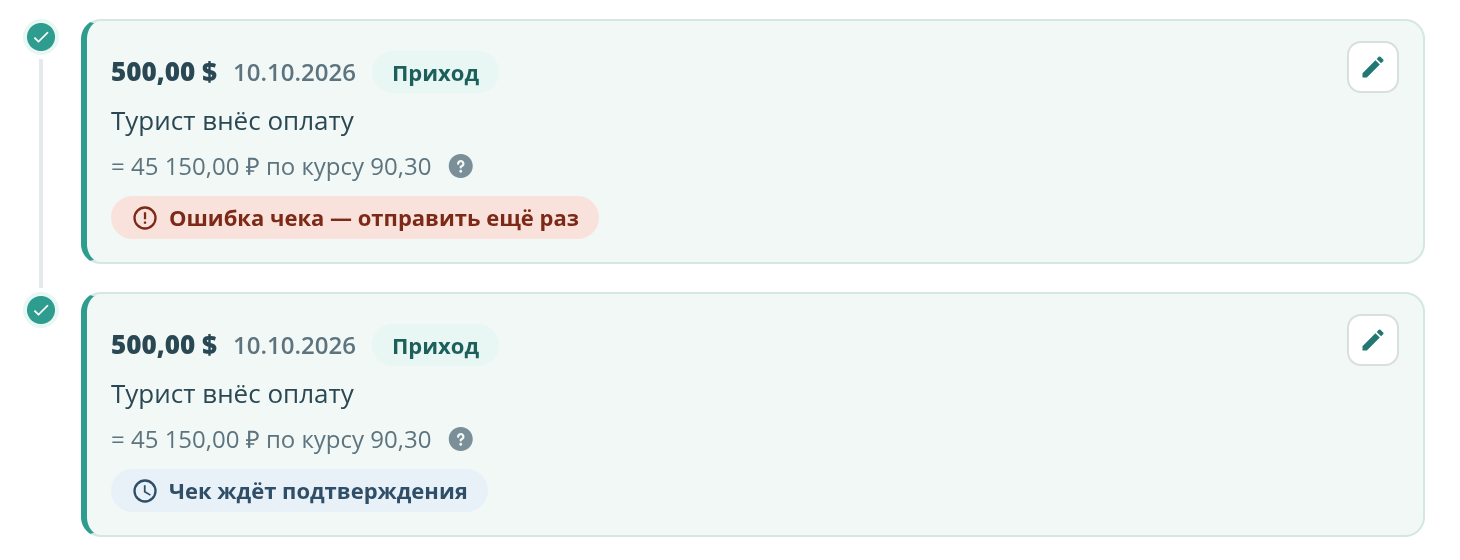
- If a screenshot needs an error that is hard to reproduce (say, a rare error from the fiscal data operator), he simply draws it by manipulating the DOM, about ten times faster than I would have figured out how. And if there is not enough test data, he generates it on the fly, or also inserts it into the DOM.
- Now, if I decide to change the look of some page a little, or rearrange blocks, I just rerun the script* and immediately have a set of updated screenshots.
And if I add a new section or feature, Claude takes the screenshots and adds them to the manifest as well.
Highly recommended, if you are not doing this yet.
*actually I do not rerun the script, I am too lazy. I tell Claude to reshoot the pages I need, and he reruns it himself.