



For quite a while now I've been learning C# with my son by making games in Unity. Before that we tried Scratch (too simple and a bit boring) and Lua with Roblox, which didn't click either. Probably because of how limited its use is.
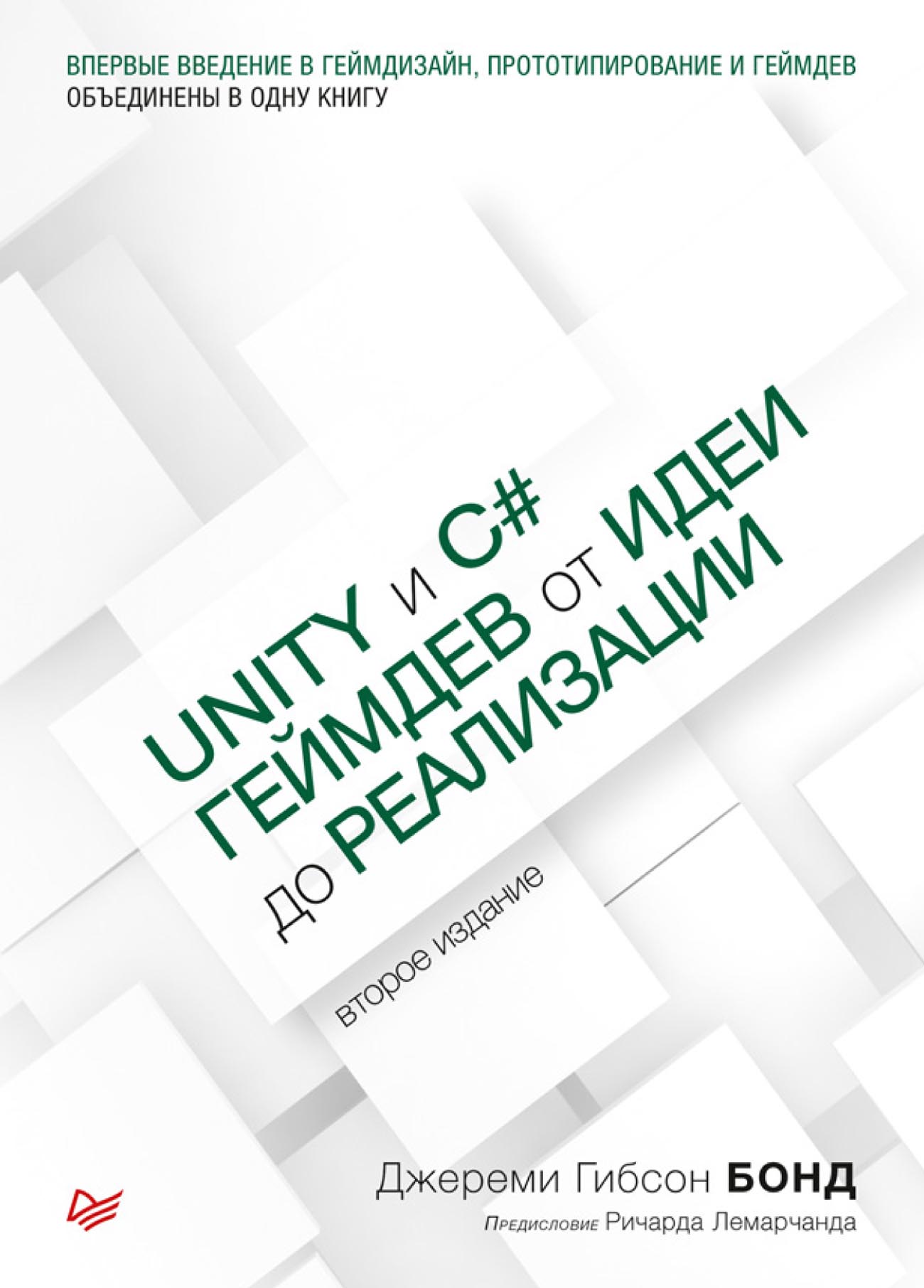
So we took up making games in Unity and, after watching a couple of video tutorials, decided a textbook would be better. I bought “Introduction to Game Design, Prototyping, and Development: From Concept to Playable Game with Unity and C#” by Jeremy Gibson Bond. Quickly read it myself and we got to work.
As far as I understand, the author teaches game development at a university in California, or something like that, I didn't look into it.
The book can be divided into three parts:
- Some theory and philosophizing about game design. In terms of teaching kids, this part isn't very useful, but overall it's an interesting read. It's probably useful for those who want to become game designers.
- Theory of C# programming. Everything's as usual here, covering the basic principles of programming: hello world, variables and data types, loops, conditions, classes and inheritance. To keep things simple, the examples run right in Unity.
- Game development. A good half of the book, after the theory, is devoted to real development of real games. Each chapter describes, step by step, the development of a separate game prototype with a working, playable result at the end. You can build 7 different games with the book, including a scrolling shooter, a solitaire game, and clones of Angry Birds and even the old The Legend of Zelda.
The author covers both coding concepts for Unity and using the Unity Editor to create prefabs. And mostly the author builds objects using the editor's own tools rather than importing models from somewhere else.
The usual main problem with printed books on modern technology is that the information is outdated before you've even bought the book. But in this case the examples are surprisingly up to date. There are differences from the current version of Unity, of course, with on-screen text labels and with XML handling, but given the publication year (2021) there are quite few of them: almost everything runs right away just like in the examples.
Some of the math in the book (quaternions, Bézier curves, etc.) can't be explained to kids right off the bat. But they can grasp the main idea just fine. In any case, it's of course better to work through the book with an adult who knows a thing or two.
I'll also note that some of the patterns the author uses may look questionable to a programmer from another field. But perhaps that's a simplification for learners. Or maybe in real game development there are reasons to do it that way — who knows.
Overall, I recommend the book to anyone who'd like to try mastering the basics of making games in Unity, or to teach kids programming. Unlike individual videos, the book approaches the subject more systematically, covers a wider range of topics and gives directions for further study.
The first video below is a scrolling shooter we wrote following the book. The second is the result of the exercise from the chapter that concludes the theory part. It's a flock of birds that beautifully follows a target, “swarming” but never colliding. You can't control it, but you can adjust the parameters (speed, number of birds, etc.). My son wrote this exercise from the book without me.